iOS · App Store
PixelColor
Paint by numbers, reveal the picture.
Every cell has a number, every number a colour. Follow the numbers and a hidden pixel-art picture appears square by square. Animals, food, vehicles, fantasy creatures — or a photo of your own.

Screenshots
Highlights
Hidden until you paint it
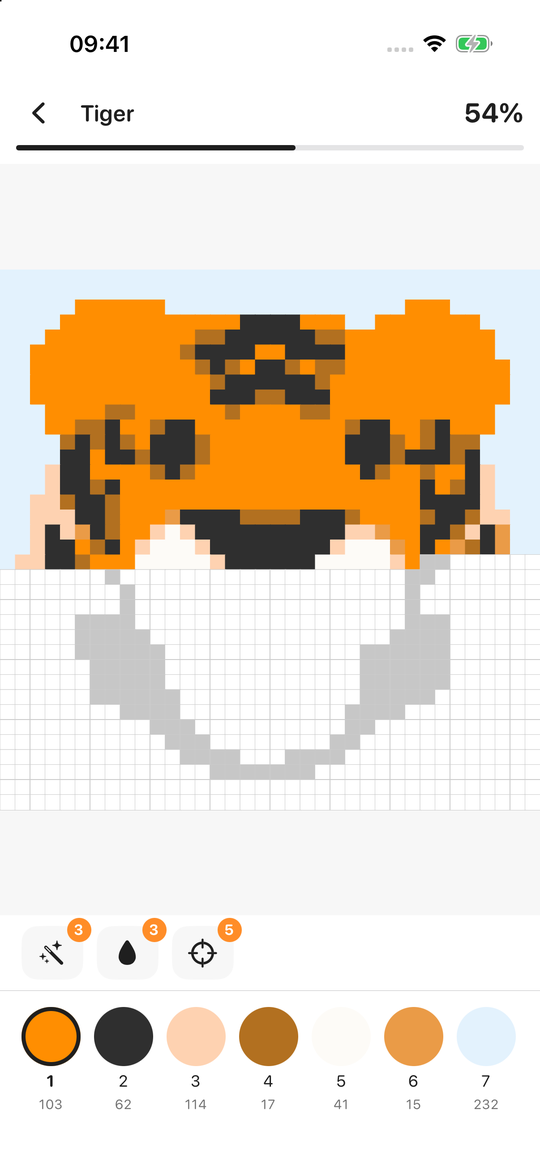
The board starts blank, showing only numbers. With every colour, the picture slowly gives itself away.
Dozens of pictures, 6 categories
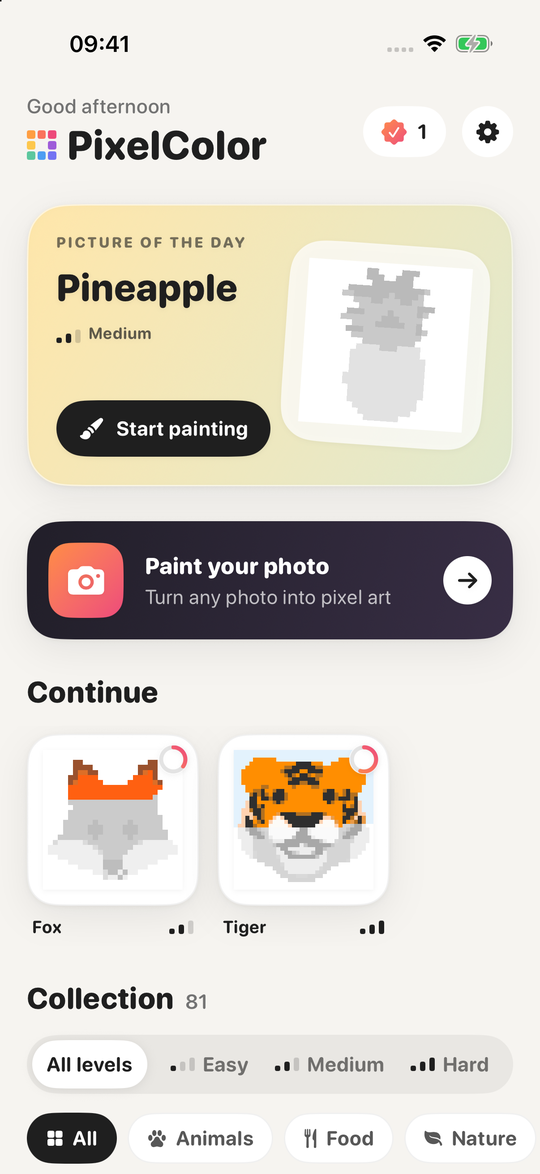
Animals, Food, Nature, Vehicles, Objects and Fantasy — at Easy, Medium and Hard levels.
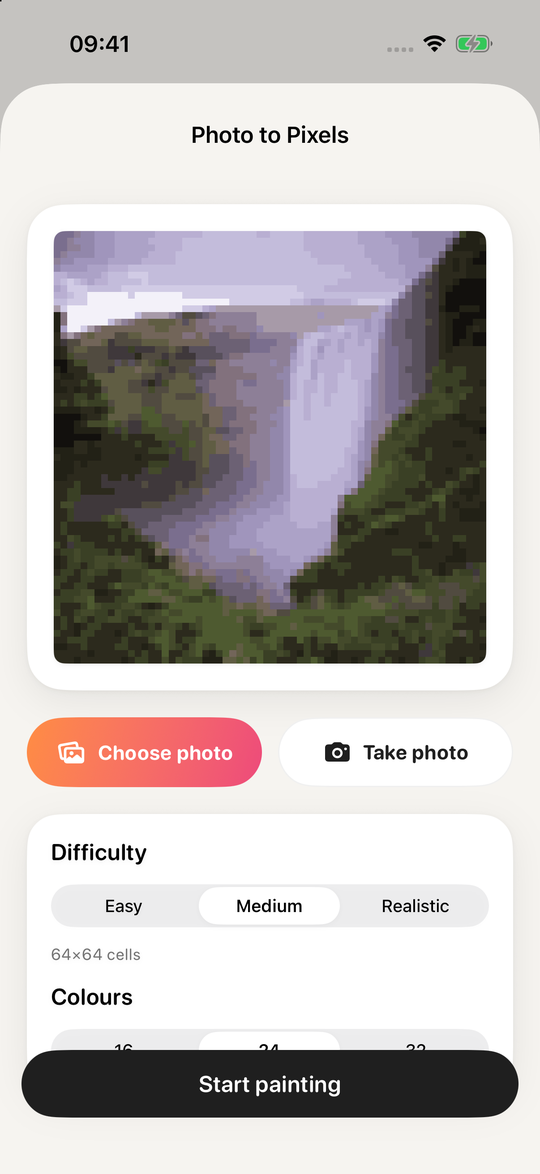
Paint your photo
Pick one from your library or take one: your photo becomes a 48×48 to 96×96 picture in 16–32 colours. The conversion happens entirely on your device.
Handy helpers
The Magic Wand paints touching cells of one number, the Bucket paints a 5×5 area in one tap, and Find shows you a cell left to paint.
Picture of the Day
A new picture every day, with an optional evening reminder.
Time-lapse replay
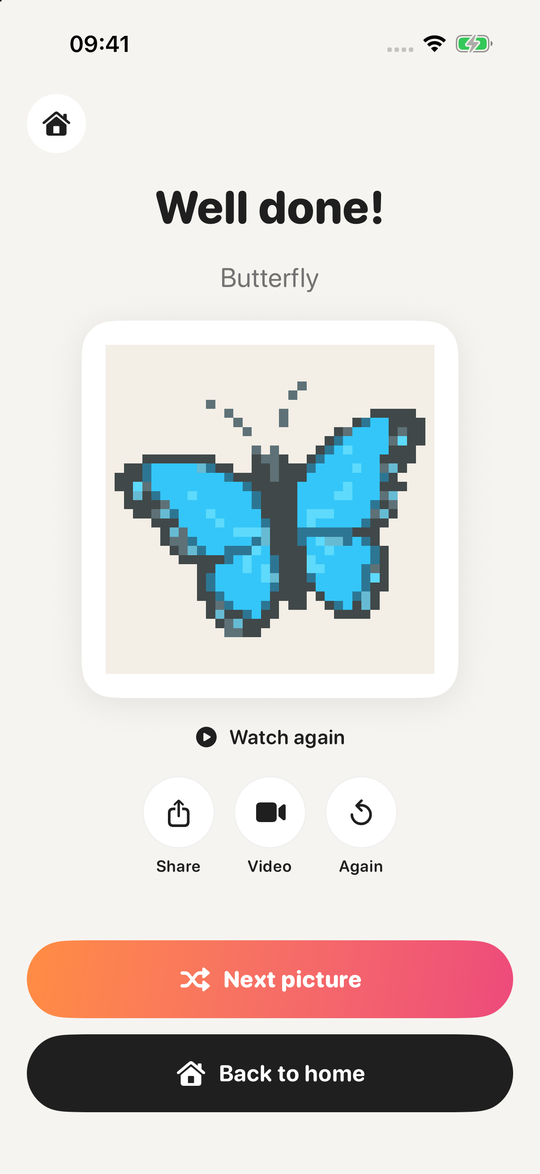
Every finished picture replays from blank to done; share it as an image or a video.
Comfortable controls
Paint with one finger, pan and zoom with two. Tapping the wrong cell never costs you anything.
Progress is saved
Unfinished pictures pick up where you left off, all stored on your device.
How to play
- Choose a colour from the palette below — its cells are highlighted on the board.
- Tap or drag across cells with the same number; they fill with the right colour.
- When a colour is done you move to the next one automatically. Paint the last cell and the picture is complete.
A calm, colourful break
PixelColor is a colouring game built for relaxing: no timers, no lives, no penalties for a wrong move. It works for a two-minute break or a long evening.
Start quickly with small pictures, settle in with detailed ones, and turn your own photos into pixel art whenever you like. Today’s picture is waiting.
Pictures are adapted from Google Noto Emoji artwork (Apache License 2.0).